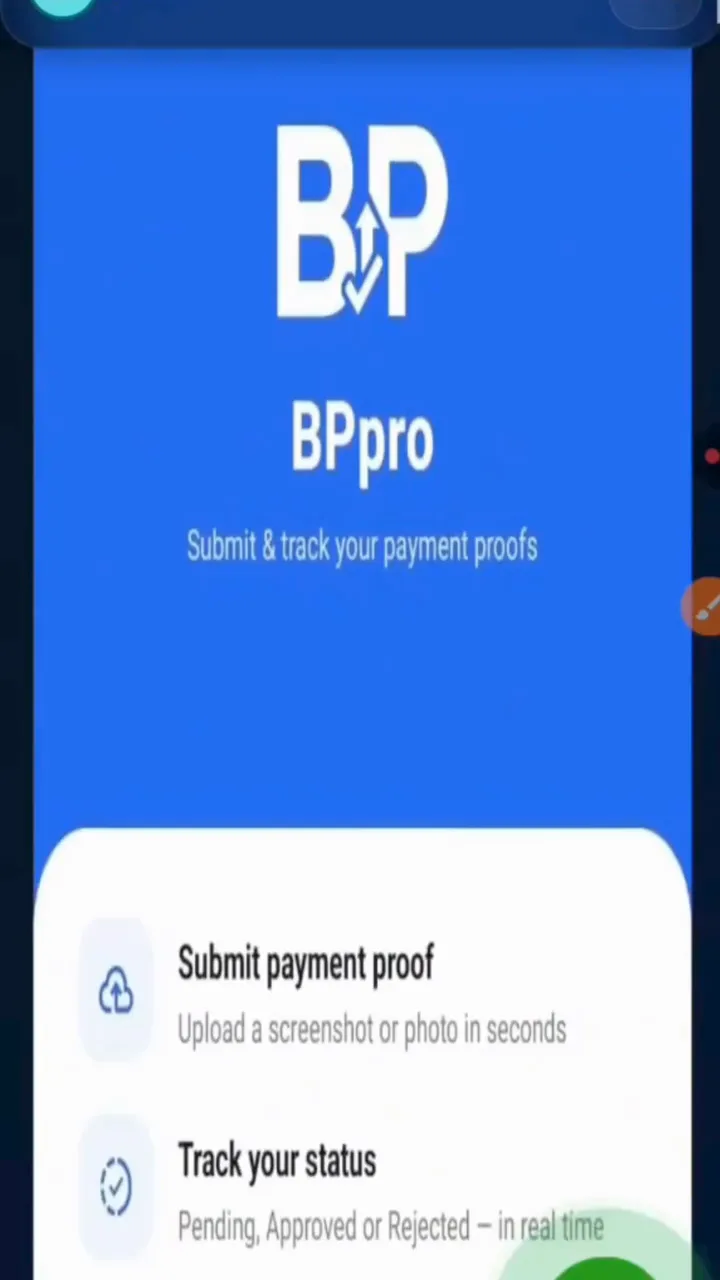
BetPro APK Download Guide
How to Download and Install the BetPro App
Follow the screenshots below to download the BetPro APK, approve Android installation, and open the app on your phone. The same page also includes the full featured video walkthrough.

Screenshot Guide
Install BetPro in Five Steps
Before You Start
Quick Download Checklist
Keep the install simple: use Android, download from the official button, and allow browser installation only when the phone asks during this setup.
Use an Android phone with enough storage for the APK.
Stay on stable Wi-Fi or mobile data until the file is downloaded.
Install only from the official BetPro APK link on this site.
Watch the download flow
Featured App Video Guide
Prefer watching instead of reading? Play the same featured walkthrough after reviewing the screenshots.
Steps:
- Create your account with Google
- Go to the Deposit section
- Deposit a minimum of PKR 500 to the number shown
- Receive your login details
- Log in to the site and start playing